Guide
The Complete Crypto Wallet Guide: Choosing Hot, Cold, and Hardware
Bottom line: match hot vs cold to your amount and use
A crypto wallet isn't a box holding money — it's a holder for the private keys that let you move assets on the blockchain. The choice is simple: small daily amounts → a hot (software) wallet; long-term, larger holdings → a cold (hardware) wallet. Combining both is the standard approach.
Key points
- A wallet manages your keys. Holding the keys = holding the assets. Lose the keys and no one can help.
- Hot (online) = convenient but a wider attack surface; cold (offline) = safer but more effort.
- Leaving coins on an exchange (custodial) differs from holding your own keys (non-custodial).
- The single most important thing is guarding your recovery phrase.
First, the terms: custodial vs non-custodial
| Type | Who holds the keys | Example | Character |
|---|---|---|---|
| Custodial | The exchange/provider | An exchange account | Easy; password recovery — but provider risk |
| Non-custodial | You | Software/hardware wallet | Freedom and full responsibility; lose the keys, lose all |
"Not your keys, not your coins" — coins left on an exchange aren't strictly self-custodied.
Hot vs cold (the core comparison)
| Factor | Hot wallet (software) | Cold wallet (hardware, etc.) |
|---|---|---|
| Connectivity | Always online | Usually offline |
| Examples | Phone/browser-extension wallet | Hardware device, paper/metal backup |
| Convenience | High (connect to DeFi/NFTs instantly) | Some friction (device steps each time) |
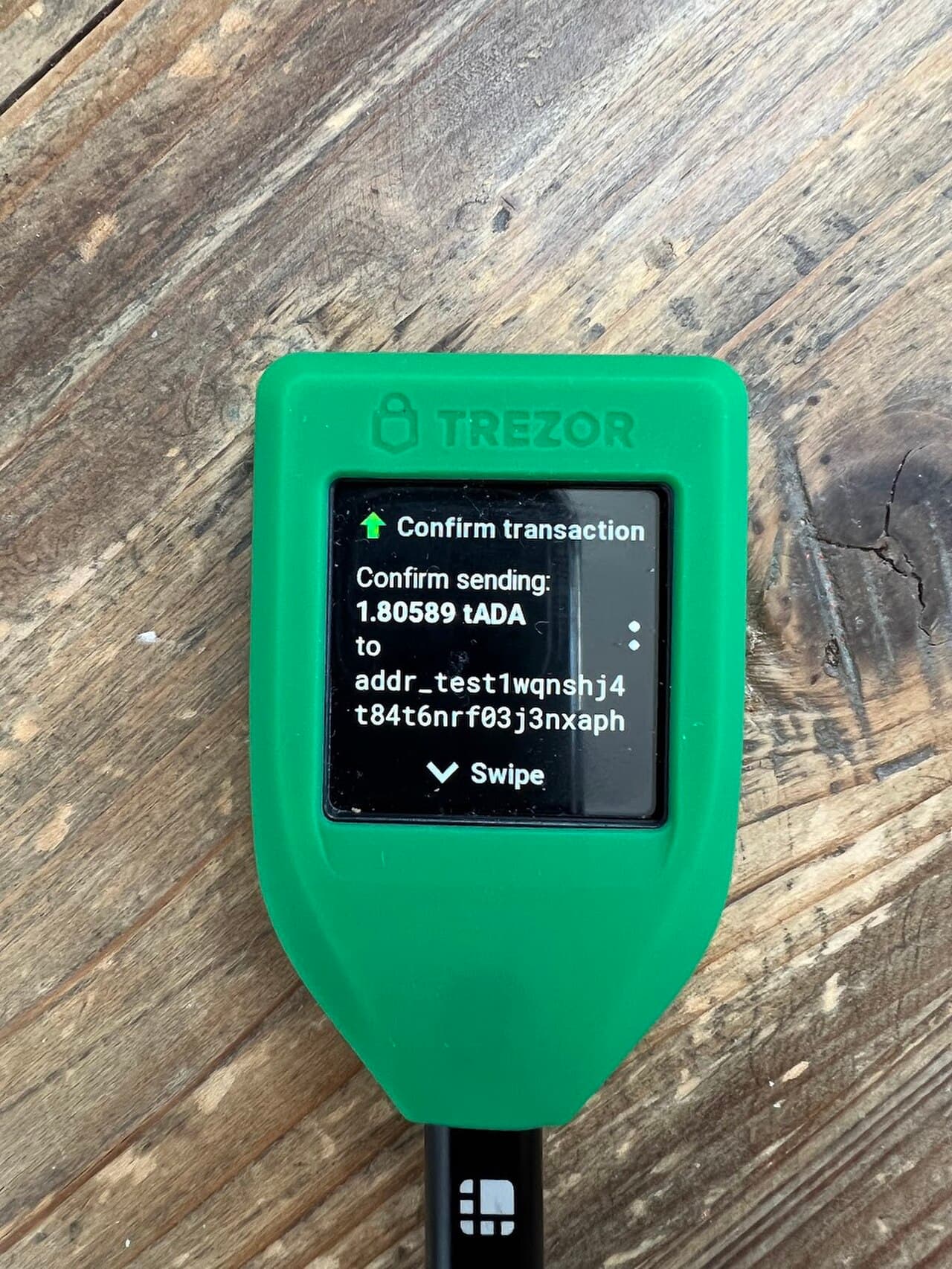
| Security | Wider attack surface (drainers) | High (keys never leave the device) |
| Best for | Small, daily use | Long-term, larger holdings |
See also hardware wallets and how to set up a wallet.
Decision flowchart
- Just buying and trading on an exchange? Exchange custody is enough to start (small amounts).
- Want to use DeFi/NFTs/dApps? Use a hot (software) wallet with small amounts; mind approval hygiene.
- Larger amounts / long-term holding? Move to a hardware wallet (cold).
- Want both? Split usage — hot for daily, cold for storage, with most assets in cold.
"Split usage" is the practical answer
Keep the bulk (say 80–90%) in cold storage and only what you actively move in a hot wallet. Never put your entire stack in one hot wallet.
Guarding your recovery phrase (seed) — this is everything
Creating a wallet shows a 12–24 word recovery phrase. It is your private key. Leak it = lose everything.
Do: store it offline and physically (paper, ideally a fireproof/waterproof metal plate); keep backups in more than one safe place.
Never: screenshot or photograph it (cloud sync leaks it); save it to cloud, email, or notes apps; enter it on any site or to any "support" (a classic scam); tell anyone.
Lose the keys and no one can help
Unlike a bank, there's no password reset. Lose the phrase and your assets are gone forever; leak it and they're drained instantly. Read how to protect your private key.
Common mistakes
- Photographing the recovery phrase → leaked via cloud
- Signing a meaningless approval in a hot wallet → drained by a drainer
- Installing a fake wallet app/extension → keys stolen
- Leaving everything on an exchange → stuck in a hack or freeze
Checklist
- [ ] Split wallets by use (daily vs storage)
- [ ] Larger assets in cold (hardware)
- [ ] Recovery phrase stored offline and physically
- [ ] Never entered or photographed the phrase
- [ ] Got the wallet app from the official store/site
- [ ] Tested a small transfer first
FAQ
Q. Exchange or my own wallet? A. An exchange is reasonable for small, short-term holdings, but it carries provider risk — consider self-custody (especially hardware) as amounts grow.
Q. If my hardware wallet breaks, are my assets gone? A. No — with your recovery phrase you can restore on another device. That's why guarding the phrase matters most.
Q. Are wallets free? A. Software wallets are usually free; hardware wallets cost roughly a few thousand to ~¥20,000 (plus gas fees when you transact).
Sources
- Ethereum, "What is a wallet": https://ethereum.org/en/wallets/
- Bitcoin.org, "Choose your wallet": https://bitcoin.org/en/choose-your-wallet
- FSA crypto guidance: https://www.fsa.go.jp/
Important notice
This article is educational information, not investment or tax advice. Crypto carries risk of price swings and hacking. Rules and tax law change; this guide reflects publicly available information as of June 2026. Verify the latest details with Japan's NTA (tax), the FSA (regulation), or a licensed professional, and only invest money you can afford to lose.
This article is informational only and is not financial, investment, or trading advice. Prices are reference snapshots and may be outdated. Always do your own research.