Guide
Hardware Wallet Setup: Self-Custody Safely, From Zero
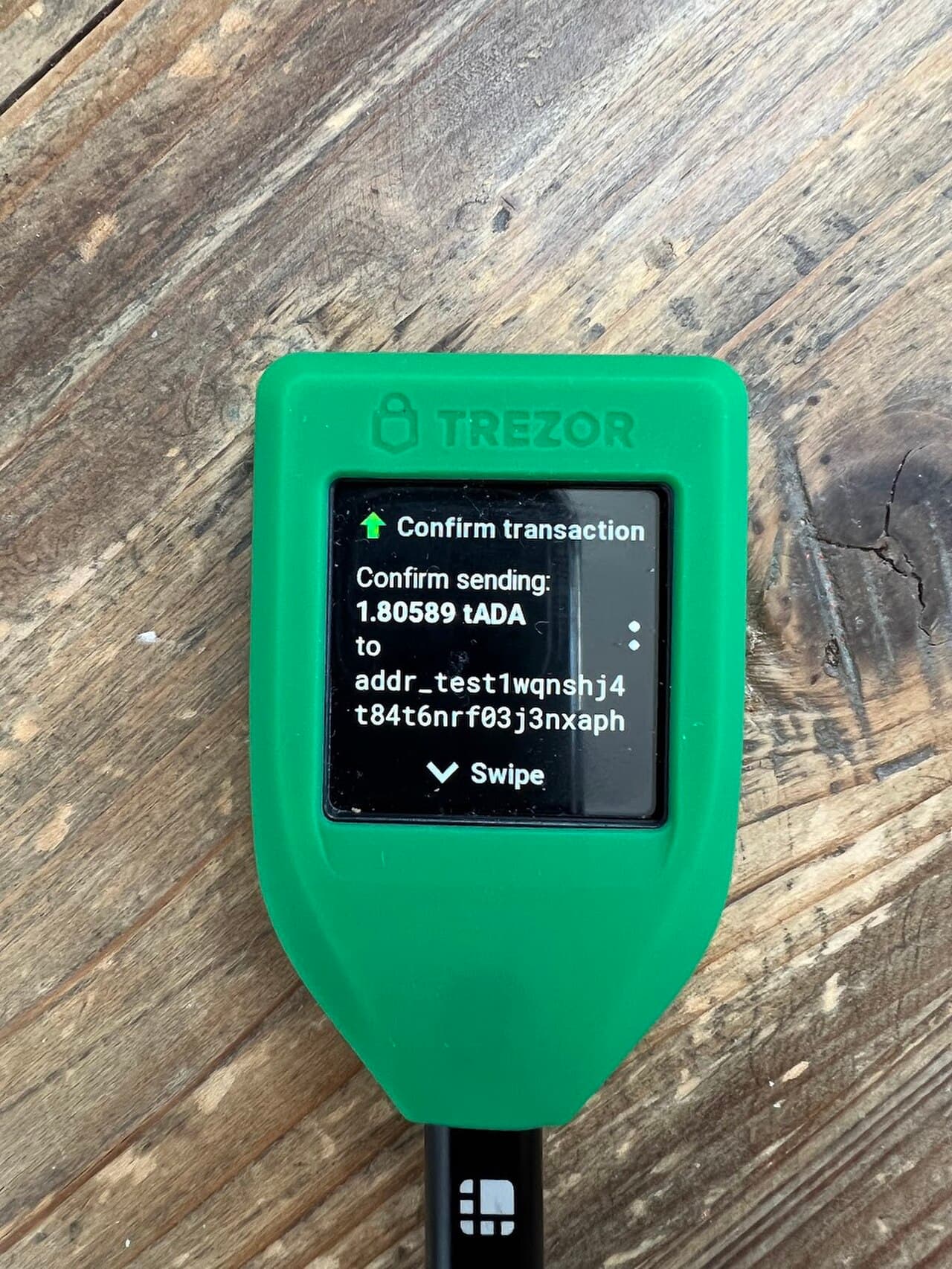
Bottom line: the keystone of self-custody is keeping keys offline
A hardware wallet (cold wallet) stores and signs with your private keys inside a dedicated device kept off the internet. The keys never leave the device, even when you send. It's the most practical way to truly hold your own assets — but getting the initial setup wrong makes it dangerous instead. Go step by step.
Key points
- Always buy new from the maker's official store or an authorised reseller (never used/resold)
- Hand-write the recovery phrase (12–24 words) on paper and store it offline
- Never tell anyone the phrase, photograph it, or upload it to the cloud
- Do a small test (receive → send) before moving real amounts

Prep: get a genuine device, safely
Never get the purchase channel wrong
Buy your hardware wallet new, from the manufacturer's official site or an authorised reseller only. Used, marketplace or third-party listings are a hotbed for scams using pre-tampered devices that steal your funds. Check the box seal and any tamper marks.
Setup steps (the general flow)
- Get the official app/firmware — only from the official URL. Beware fake sites in search ads
- Create a new wallet — choose "Create new wallet" (restoring an existing phrase is a separate menu)
- Set a PIN — the code to unlock the device; make it hard to guess
- Generate and record the recovery phrase — the screen shows 12–24 words; hand-copy them onto paper accurately
- Confirm the phrase — the device quizzes you on random words to verify your copy is correct
- Test transfer — receive a small amount and send it out before moving real funds
How to protect the recovery phrase (most important)
The phrase IS the assets
Anyone who knows your recovery (seed) phrase can restore your funds without the device. So:
- Keep it off all digital media (no photos, screenshots, notes apps, cloud, or email)
- Tell no one (any "support" or "you won" message asking for it is 100% a scam)
- Store it offline on paper or a metal plate, ideally split across locations
Operating tips
- If the device is lost, the phrase restores your funds on another device (that's why the phrase is everything)
- Keep large amounts on the hardware wallet and use a separate hot wallet for daily use
- Always read the destination, amount and approval on the signing screen (mind token approvals)
- Plan for inheritance so family can recover it, stored safely
FAQ
Q. If the device breaks, are my assets gone? A. No. With the recovery phrase you restore to a new device (or compatible wallet). That's why protecting the phrase is paramount.
Q. What if I forget the PIN? A. After several wrong tries the device wipes itself; you then restore from the recovery phrase (again, why the phrase matters).
Sources
- Ledger official (setup): https://www.ledger.com/start
- Trezor official support: https://trezor.io/support
- ethereum.org, "Security": https://ethereum.org/en/security/
Related: private-key security and how to make a wallet.
Not financial advice
This article is for information only and is not investment advice. Crypto assets are volatile and carry risks including hacking. Do your own research and only use money you can afford to lose. Based on public information as of June 2026.
This article is informational only and is not financial, investment, or trading advice. Prices are reference snapshots and may be outdated. Always do your own research.